



1. Introduction
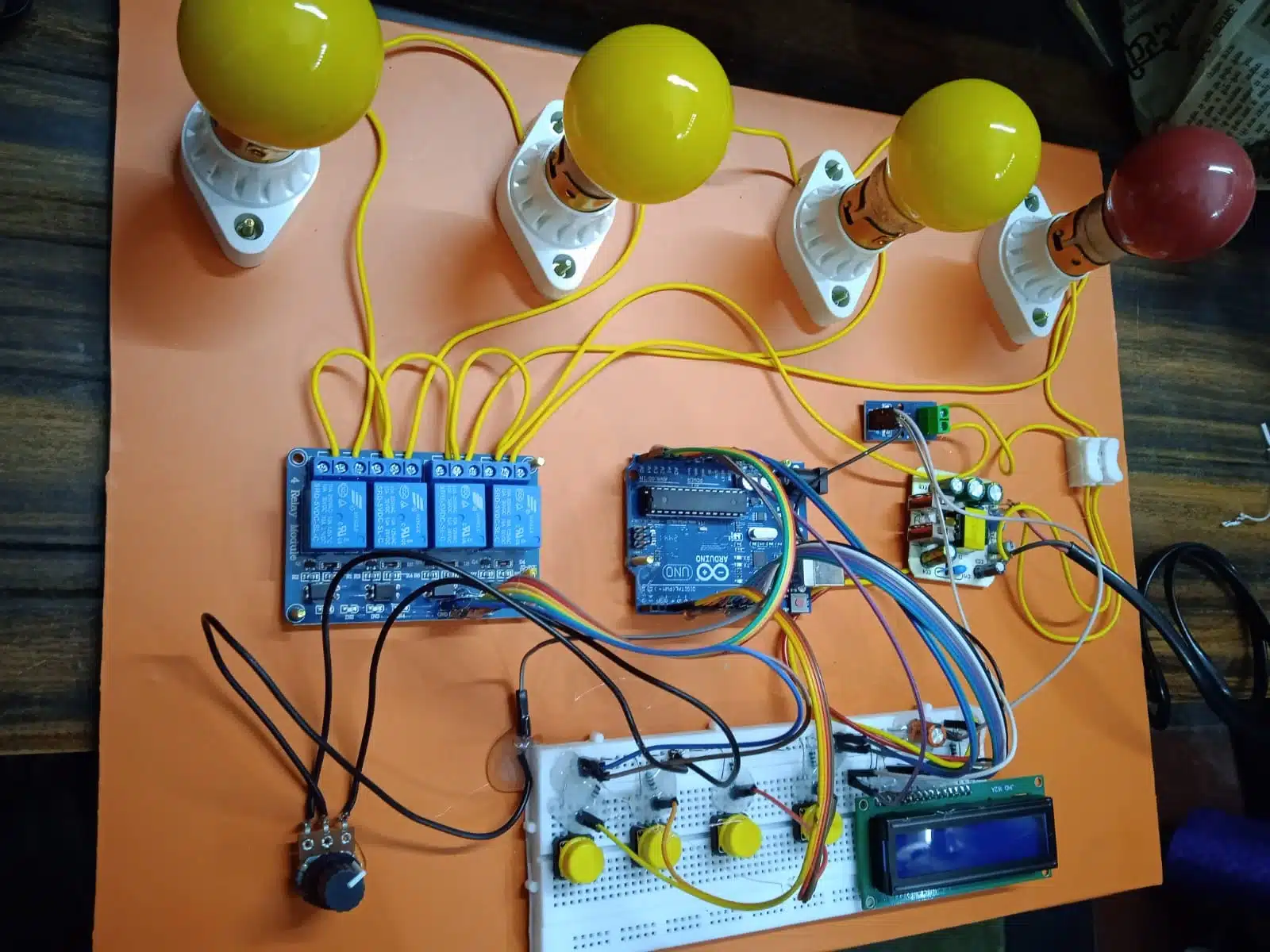
Overloading of electrical transformers is a common issue that can lead to overheating and damage. In this project, we have developed an Arduino-based Transformer Overload Protector. The goal of this project is to create a system that can automatically detect overcurrent conditions and protect the transformer from potential damage by turning off all connected loads.
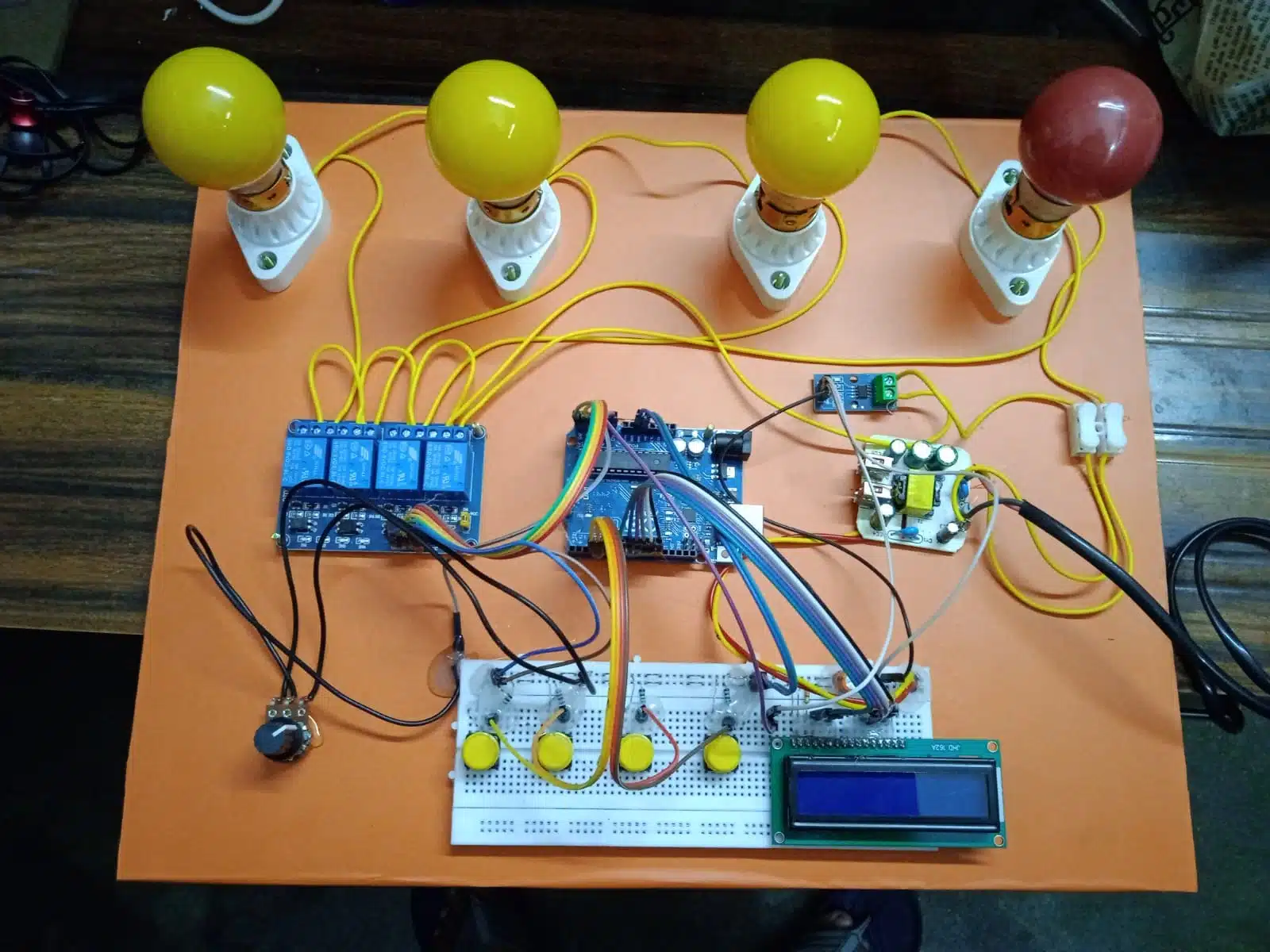
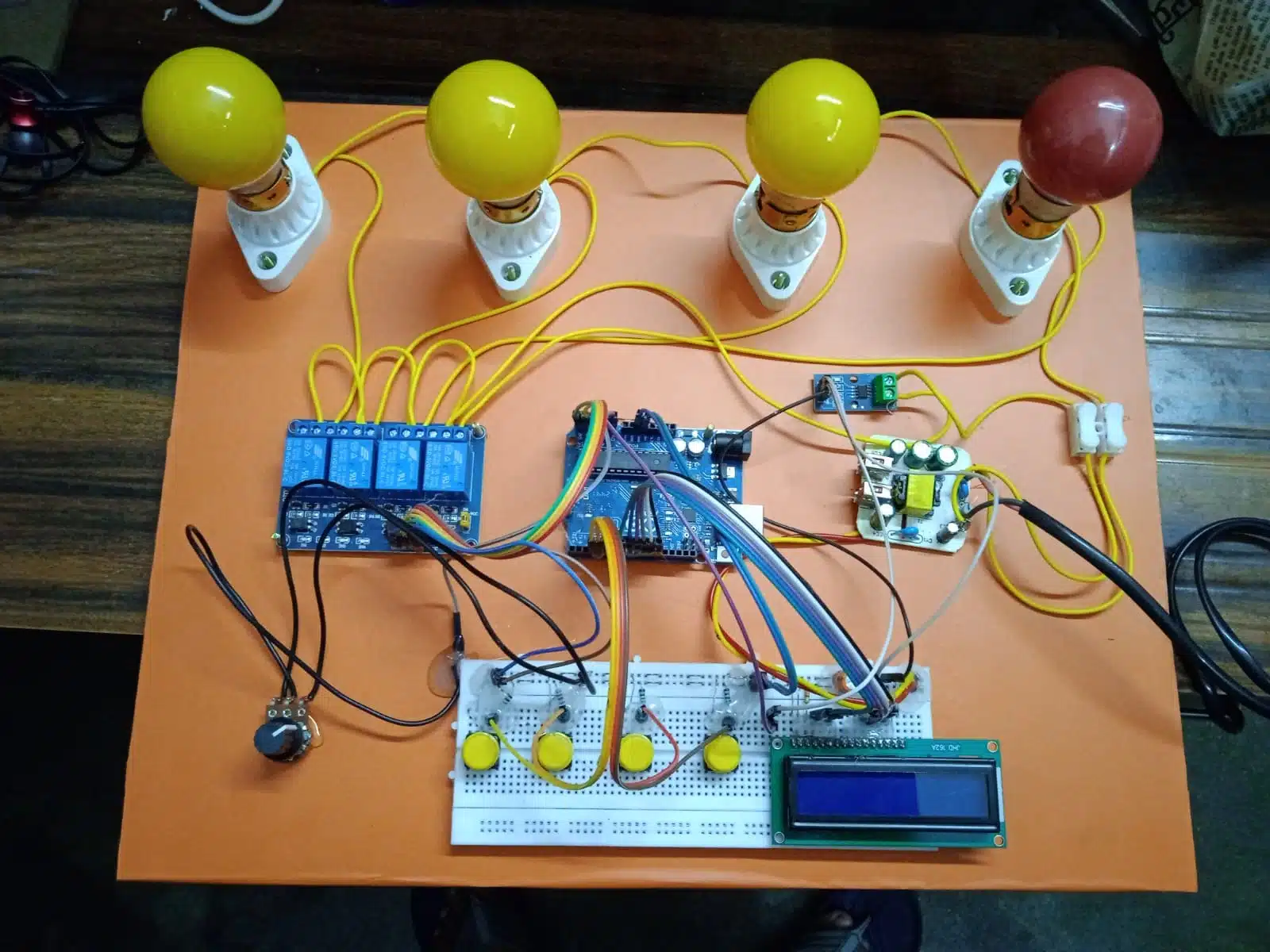
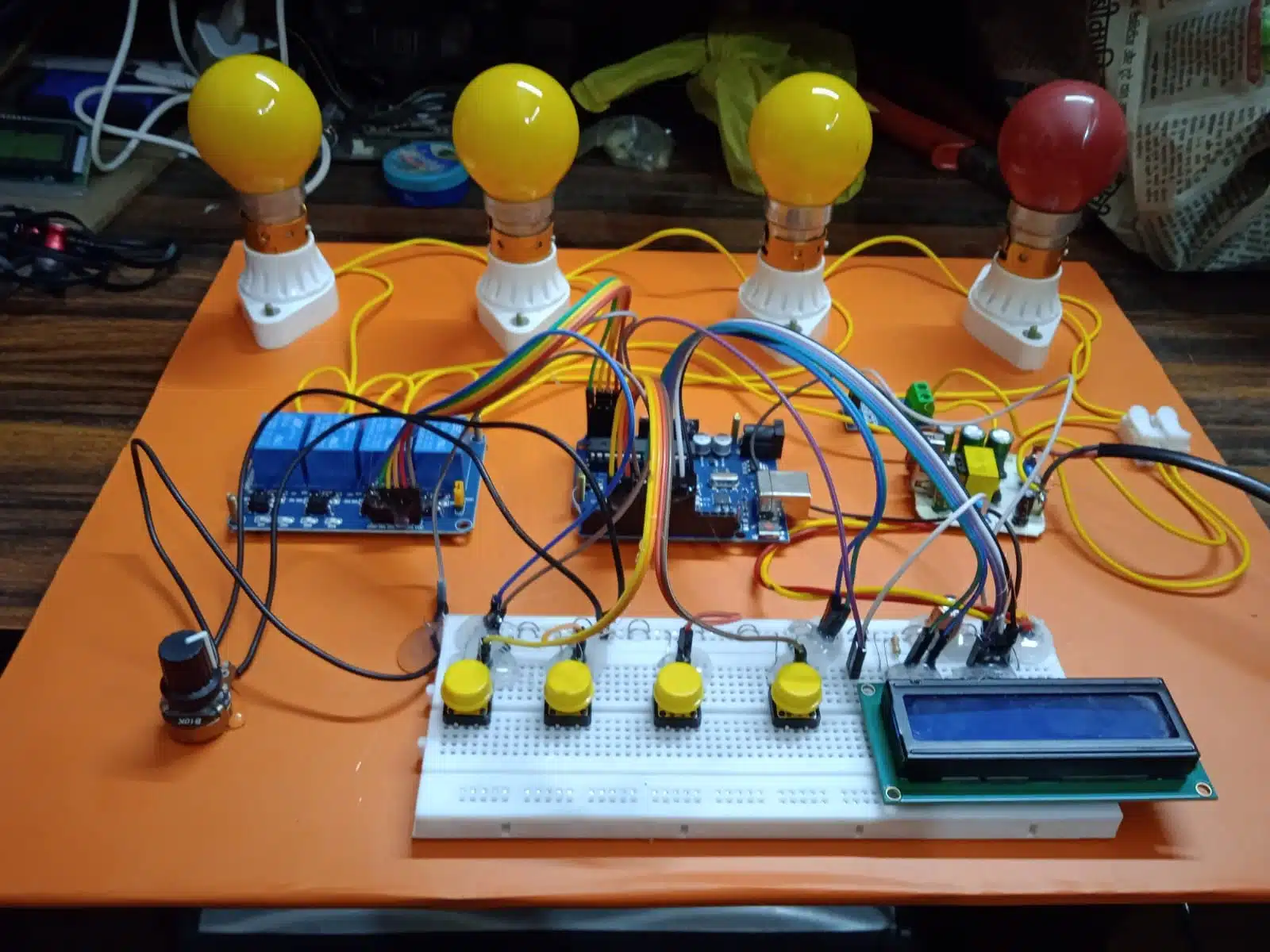
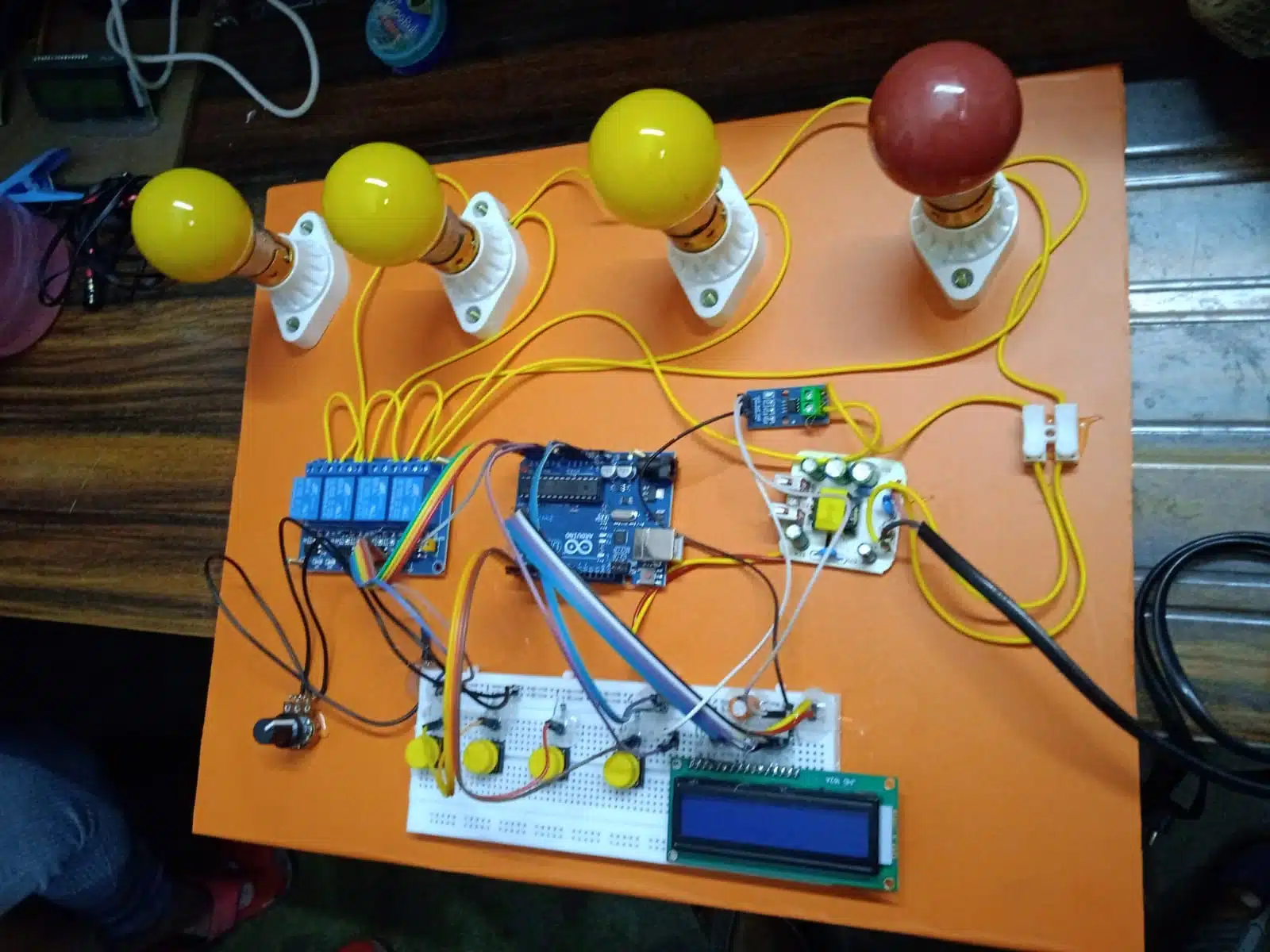
The project uses an Arduino Uno, ACS712A current sensors, relay modules, and push buttons to control and monitor the system. The project can also be interfaced with a 16×2 LCD display to show real-time status and current values. The system allows the user to control up to four bulbs through push buttons and will automatically turn off all loads if the current exceeds a predefined reference value for a set period.
- System Components
2.1. Arduino Uno
The Arduino Uno is the central controller of this system. It reads the current data from the ACS712A sensors, controls the relays, and processes the logic for detecting overload conditions. The Arduino also interacts with the LCD display and push buttons.
2.2. 16×2 LCD Display
The 16×2 LCD display is used to show important information, including the current values, overload status, and which bulbs are currently on or off.
2.3. ACS712A Current Sensor
The ACS712A is a current sensor module used to measure the current flowing through the load. This sensor provides an analog output proportional to the current, which is read by the Arduino to detect overload conditions.
2.4. Relay Module (4-Channel)
The 4-channel relay module allows the Arduino to control the on/off state of the bulbs. Each relay is connected to one bulb, and when triggered, the corresponding relay either completes or opens the circuit to the bulb.
2.5. Push Buttons
There are four push buttons, each corresponding to a bulb. The user can use these buttons to turn the bulbs on or off. The button inputs are read by the Arduino, and the state of the relays is changed accordingly.
2.6. Bulbs and Bulb Holders
The four bulbs and their respective bulb holders are the loads connected to the system. The relays control the power supply to these bulbs, and they can be turned on or off by the user.
2.7. 5V Power Supply
A 5V power supply is used to power the Arduino and other components, while the relay module and bulbs are powered using a separate power source suitable for their voltage requirements.
- Working Principle
3.1. User Input (Push Buttons)
Each of the four push buttons is assigned to control one of the bulbs. When a user presses a button, the Arduino detects the input and activates or deactivates the corresponding relay. This controls the power flow to the respective bulb.
3.2. Current Sensing
The system uses the ACS712A current sensor to monitor the current flowing through the circuit. The ACS712A provides an analog voltage corresponding to the current, and this voltage is read by the Arduino’s analog input pins. The Arduino continuously compares the current value with a reference value.
3.3. Overload Detection
If the current value exceeds the reference value for more than 3 seconds, the system assumes that there is an overload condition. An overload condition could be caused by excessive load or a short circuit.
3.4. Overload Protection
In case of overload, the system will automatically turn off all bulbs (disengage the relays) to protect the transformer. This is done by the Arduino, which detects the overload and triggers the relays to cut the power supply to all bulbs.
3.5. Display and Feedback
The 16×2 LCD display is used to provide feedback to the user. It shows the current value in real-time, and also displays a message when the system detects an overload (e.g., “Overload detected, turning off load”).
5. Conclusion
This project successfully implements a Transformer Overload Protector using an Arduino Uno and various components like the ACS712A current sensor, 4-channel relay module, and push buttons. The system can monitor the current flowing through the load and automatically turn off the connected bulbs in the event of an overload. The feedback provided through the 16×2 LCD ensures the user is always informed about the system’s status.
This project can be expanded to control larger loads or implement more sophisticated overload protection mechanisms, making it a valuable tool for preventing transformer damage and ensuring the safety of electrical systems.
- Future Enhancements
- Wireless Control: Incorporating a wireless control system (e.g., using Wi-Fi or Bluetooth) to turn bulbs on/off remotely.
- Multiple Sensors: Adding additional sensors for monitoring multiple transformers or loads simultaneously.
- Data Logging: Storing current data and overload events for future analysis or troubleshooting.




Reviews
There are no reviews yet.